Oh… before inflating push Morph Target > StoreMT
Inflate or resize. Then Morph Target > CreateDiff.
Ah, that works. I did have a skin object, so I’m not sure why the “int” didn’t show, but the steps you suggested works as well. Thank you for your patience!
Now I just have to figure out a way to draw the mask so the brush leaves a smooth edge and I can avoid all those edge artifacts on the extrusion…
OK, I’ve scratched my head over this for a couple of days, so maybe someone here can help the noob out. How can I get rid of those nasty edges on my object? I’m using ctrl to make the mask, and smoothing doesn’t seem to help here.
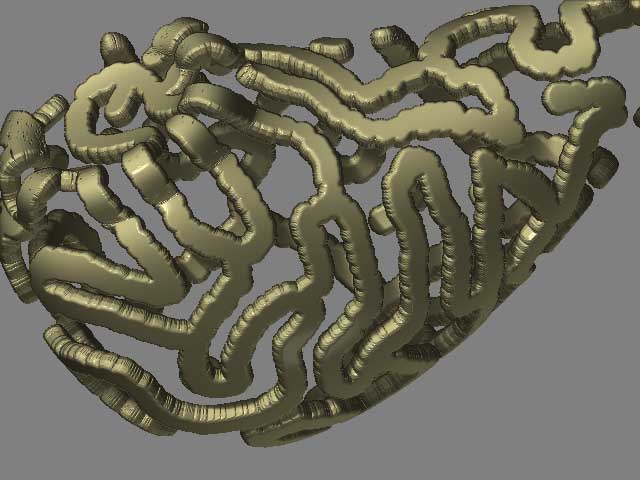
Dan, you made progress 
Smoothing goes better when you lower the SubDiv. After smoothing go back to an higher level.
Thanks, that helped! After I did the procedure, the lower subdivision levels were no longer available…? So I did the whole thing on a low resolution model and got a funky jaggy thing; then did the smoothing and divided it further and inflated etc. The jaggies morphed into those blobby features, not what I had in mind but interesting nonetheless. Maybe I should work with more basic features for a while! 
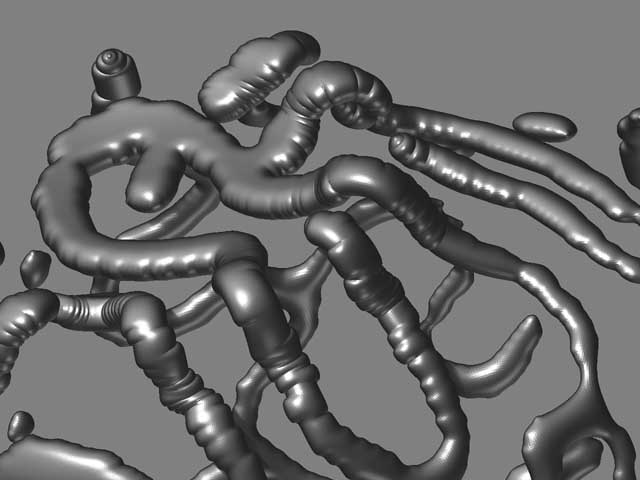
Tape worm madness. Cool concept. What will you do with this?
Well this is what some of my 3ds max work is like, so you can imagine I would be interested in the technique!

You’ll be especially interested in this, then. Scan through the thread, and let it sink in what Pixolator’s showing you – [i]in the next version of ZBrush, you can create wire sculptures like this but still have those efficient low subdivision levels to export and animate.
[/i](before you ask… “when it’s done.”)
Wonderful work, Thank you for shareing this 
Wow!!! Thanks Aaron. Exciting stuff on its way. There is so much of Z I don’t understand yet though, that I will be plenty busy until then!